FAQ
JellyWorms frequently asked questions
Quick answers about controls, growth, Ranked rules, field boxes, accounts, missing features, support, privacy, and deletion.
Play JellyWorms
Start the browser snake-style worm game here, or open the official mobile listing if you prefer the app.
Play in browser · Google Play · App Store · Steam · Privacy · Terms
Can I play in a browser?
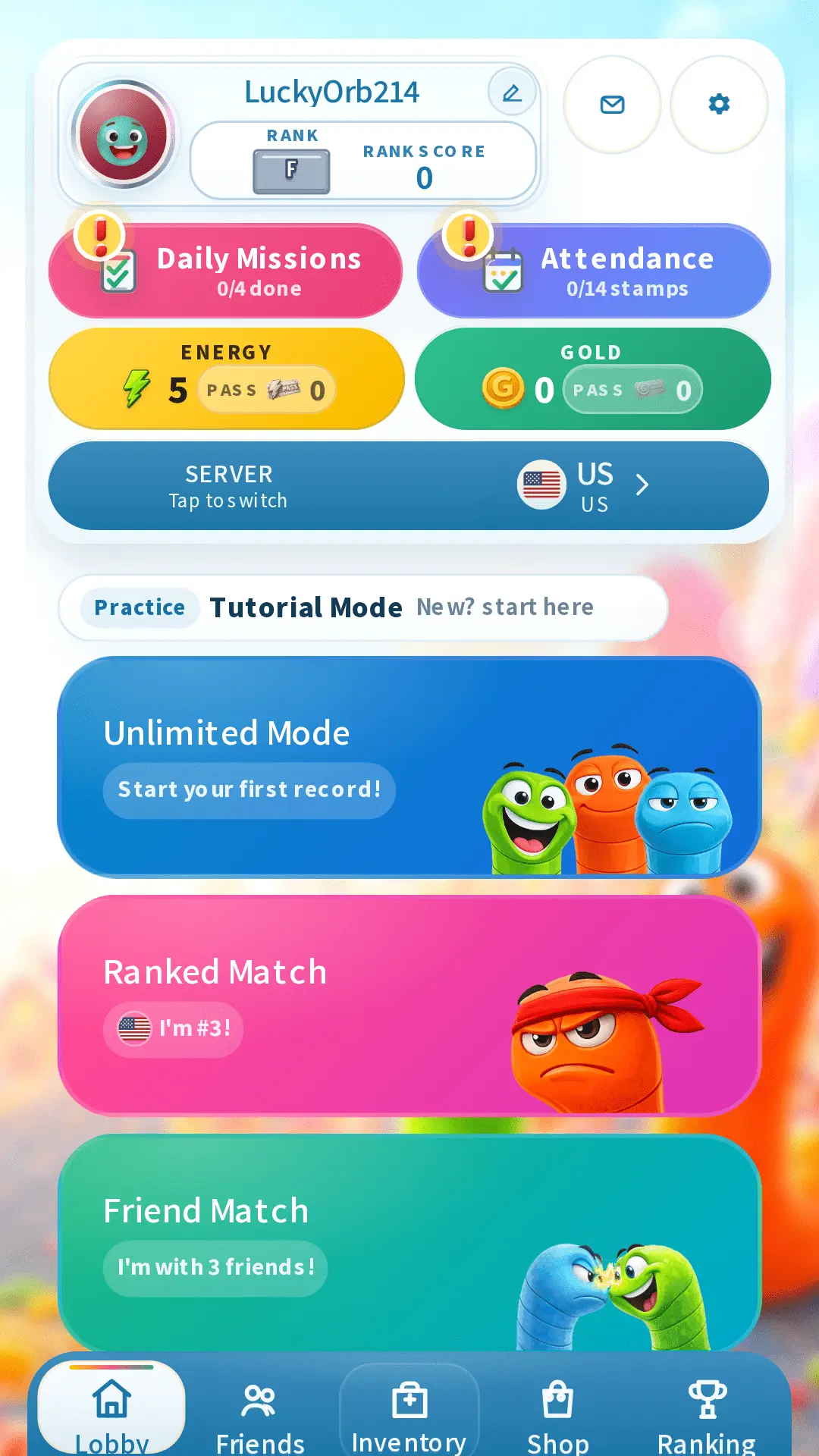
Yes. Open the browser game and start with Unlimited mode without installing the mobile app. A guest run is enough to test movement; log in before you want saved records, Ranked progress, inventory, rewards, purchases, or friend features.
The browser supports keyboard and touch play. Installed apps can add store sign-in, purchases, haptics, notifications, and rewarded ads, so some account or reward buttons may differ by device.
What are the controls?
Desktop players steer with the arrow keys or WASD, hold Space to boost, press E for a stored power item, and use the mouse wheel or minimap control to zoom. On touch screens, one finger moves the worm, the item button uses a stored power, and a two-finger pinch or zoom controls change the camera view.
How do growth and field items work?
Every run starts with five body segments. Score adds length quickly at first, then each segment requires more score after the 100, 500, and 2,000-point growth stages.
A field box starts a 1.5-second roulette. Gold adds 100 points, silver adds 50, and black removes 50 automatically. Speed, invincibility, and combined speed-and-invincibility powers wait in the item slot until used and stay active for 6.5 seconds.
How does a Ranked match end?
Ranked starts with 10 players and lasts three minutes. Before the time limit, elimination order determines placement. When the clock reaches the limit, score determines the remaining order. The HUD shows the timer and players still alive.
Why is a feature missing on my device?
The browser and installed apps do not always offer the same sign-in, purchase, notification, or rewarded-ad buttons. Mobile purchases use the store connected to that app, while browser purchases and ads follow the web version.
If a purchase or reward is missing, send support the approximate time, device, nickname, and receipt information when available. Never send a password or private verification code.
How do I get support or report abuse?
Email [email protected] for login issues, missing rewards, purchase questions, ranking problems, deletion or privacy requests, offensive nicknames, harassment, suspicious automation, exploit behavior, or invite abuse.
Include the platform, approximate time, nickname, and what happened. Limited logs may be reviewed for security and abuse prevention according to the privacy policy.
How do I delete an account?
Logged-in users can start deletion from app settings. If the app is unavailable, use the public account deletion page or contact support from the email connected to the account when possible.
Deletion targets account-linked profile, friend, inventory, equipped-item, mailbox, and current ranking data. Limited records may remain where required for security, abuse prevention, payment reconciliation, legal obligations, disputes, or backup integrity.
Who operates JellyWorms?
JellyWorms is operated by 디서퍼(DISUPPER). The public company information, privacy policy, terms, support page, and account deletion instructions are available without starting a match.